
MagicFrog separates two things that are often blurred together: the task — the work being done — and the agent — the named worker doing it. Tasks carry the history and state; agents carry identity, role, persona, and memory. The two surfaces are managed independently, and an agent can participate in any number of tasks at once.
Tasks
A task is the existing session system raised to a first-class object. Sessions remain the carrier — durable events, history, and execution claims all live there — and a task is the projection of that session into the task list and detail surfaces:
- identity: the session ID, title, and project
- status:
running,idle, orarchived - the last completed run's outcome, once a run reaches a terminal transition
The task surface is separate from agent management. Listing, opening, and configuring tasks never touches agent definitions.
Agents
An agent is a named profile: a durable identity that survives across tasks and sessions, independent of any one conversation. Profiles are local Markdown documents — one file per agent under agent-profiles/ in the MagicFrog data directory — so a text editor is a sufficient profile client:
---
name: "Release engineer"
role: "Owns release preparation and changelog accuracy"
status: active
---
You prepare releases. Check the changelog against merged changes before
proposing a version bump.idstarts withagp_and is stable across machines.nameandroleare the identity shown wherever the agent participates.statusisactiveorarchived— archiving retires an agent without deleting its history.- The document body is the persona: the working instructions the agent carries into every task.
summaryis the agent's rolling work summary; it is updated as work progresses and is reusable across tasks.- Every profile carries a
revision; updates that supply the expected revision fail instead of overwriting a change made elsewhere.
Profiles are runtime-agnostic documents — the same profile can drive a local runtime session or a cloud runtime session, and the choice belongs to the session, not to the profile.
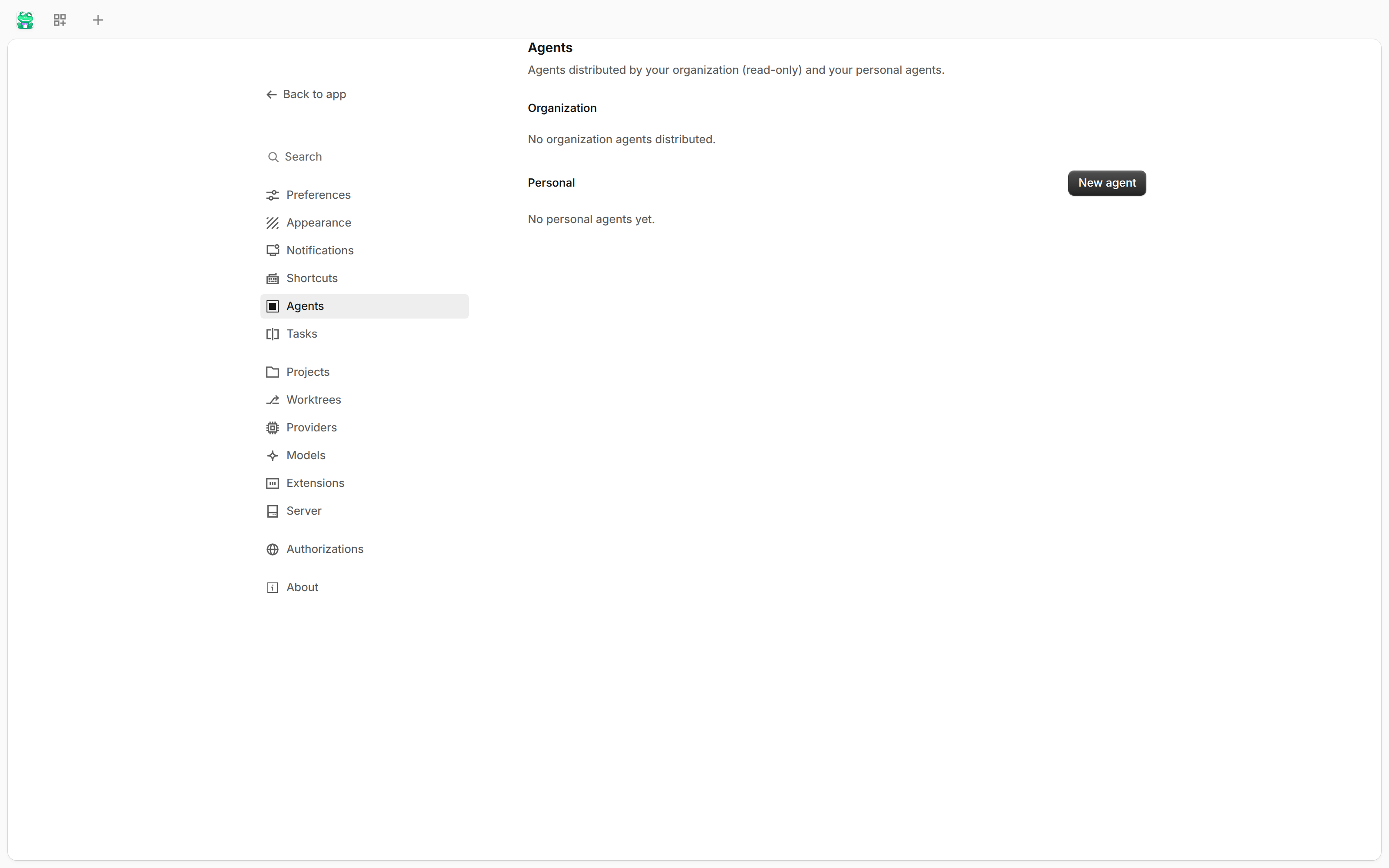
The screenshot shows the real Settings → Agents page: organization agents are read-only and distributed by your organization; personal agents are managed locally. The image captures the empty state as-is, with nothing staged.
The built-in agent: Pi
Pi is the built-in default agent, so a fresh install can run work without adding another runtime. It executes the model loop over the configured provider routes and calls tools through the same tool layer as every other agent, which means target routing, permissions, capability checks, and audit apply to it unchanged. Third-party coding agents register through the same agent channel; changing agents does not change which tools exist or how they are authorized.
Joining a task
Association is explicit in both directions. Pulling an agent into a task creates a roster member; nothing joins implicitly, and removing an agent is likewise an explicit operation.
- Roles: every member carries a role.
owner— at most one at a time — is the task owner; other participant roles are free-form and shown in the task's participant list, so every participant can see who holds what role. - Join context: an agent pulled into a running task receives the task-context summary — a digest of the task objective and earlier activity plus the most recent history verbatim, rendered in the same form the context compaction uses — along with the participant roster, delivered into the session so the running conversation actually receives it.
- Concurrency: several participants can work in the same running task; pulling another agent in does not pause or restart the conversation.
- Multiplicity: one agent can be on any number of task rosters at once. There is no exclusivity lock between tasks.
- Handing over: responsibility moves only through an explicit transfer from the current owner to an existing participant, and every handover is recorded in the task's transfer log. Ownership never drifts.
- Persistence: rosters persist as one document per task; a corrupt roster fails closed rather than silently resetting to an empty participant list.
Mentioning a human
In a group task, an agent can address a human participant with an explicit @ reference. That mention is not just chat text — it becomes a first-class pending event in the global event inbox, alongside the existing HITL card types. The task/agent pair and the human event queue are the two ends of the same human-in-the-loop circuit: the agent asks by @-mentioning you, you answer on the card, and the reply is written back into the task's conversation.
Sharing inside a task
Everything a task owns lives in that task's own namespace — memory, files, artifacts, and triggers under the task's ID — so participants see each other's work inside the task without ever colliding with another task. Memory keeps the same convention: task-dimension notes under a task ID prefix belong to that task and are visible to its participants.
When a task reaches its terminal state, each registered resource follows its retention policy: keep (the default, for traceability) retains it, and an explicit purge runs the disposal action registered by the owning subsystem. A purge without a registered action fails closed — nothing is silently kept and nothing is pretend-deleted.
Memory and roaming for agents
Each named agent gets its own slice of the memory system: the agent dimension of memory, isolated per agent ID, persisting preferences and role context across sessions. Agent definitions and their memory summaries ride the cloud profile sync surface, so a named agent is the same agent on every machine signed in to your account.