The event inbox changes the mental model of working with MagicFrog. The old paradigm was conversation-first: you open a task and sit with it while the agent works. The new paradigm is queue-first: the human is the processor of a global event queue, and the conversation is just one of the places events come from.
You do not babysit a session waiting for the agent to ask something. Every time any agent, in any task, needs a human decision, one event lands in one global inbox. You work the queue — respond, approve, answer — and each response is written straight back into the task's conversation. When the queue is empty, there is nothing left to do.
The two-tab main area
The task's main area is now a tab container:
- Events (the default tab): the inbox view — a compact stack of pending event cards from across all your tasks.
- Conversation: the traditional chat transcript of the currently selected task.
Switching tabs never loses the conversation state: both tabs share the same selected task and the same context. The Events tab is where you work; the Conversation tab is where you read.
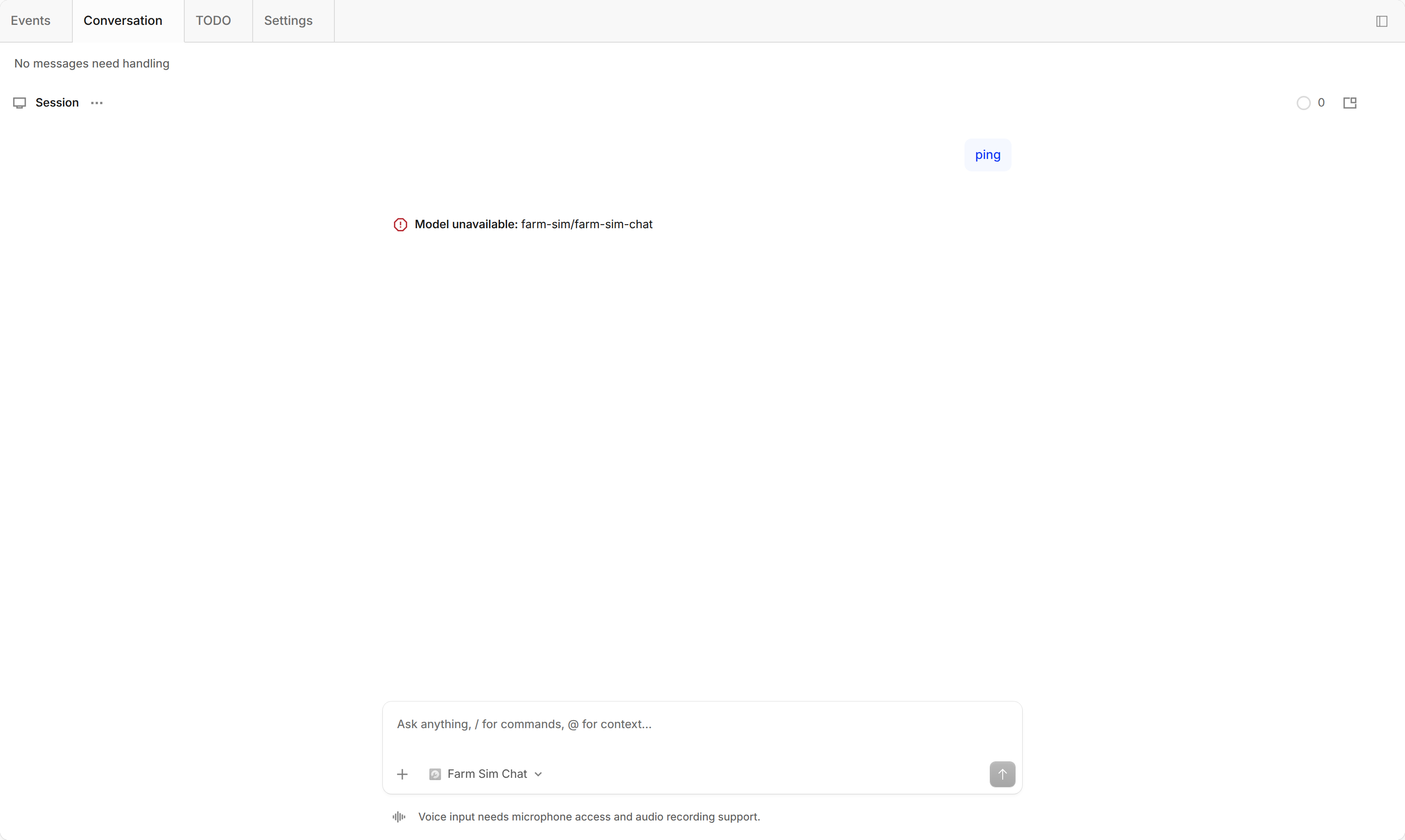
The screenshot shows a real session view on a running self-hosted instance. While the queue has no pending events, the Events tab stays disabled — the image captures that empty-queue state as-is, with nothing staged.
The global queue
The queue aggregates across all tasks, not just the one you have open. Two event sources feed it:
- Agent @human mentions: in a group task, when an agent's message carries an explicit @ reference addressed at your account, that mention becomes a first-class pending event. The client matches mentions by your account identity in the projection layer — no server change is involved.
- Existing HITL prompts: permission requests, questions, form submissions (
frm_), and takeover handoffs, which used to appear as separate card surfaces, are folded into the same queue.
Cards in the queue are ordered oldest-first and carry the owning task's name and the originating agent's identity, so you always know who is asking and in which task. Replying on the card — a quick action or a typed answer — writes the response into that task's conversation and resolves the event; the queue automatically advances to the next one.
The four card types, one skeleton
All four existing human-in-the-loop surfaces now render as one event-card skeleton with type-specific dispatch:
- permission — approve or deny a tool or action request.
- question — answer an agent's direct question.
- form (
frm_) — fill in and submit a structured form. - takeover — accept or decline a handoff of control.
The user-visible change is consolidation: one queue, one card shape, one way to respond. There are no two parallel card systems, and the retired standalone card surfaces are gone.
Empty state and badge
- When every event is resolved, the client automatically switches back to the Conversation tab and shows the "no messages to handle" empty state. The Events tab becomes disabled — you cannot click into an empty queue.
- The pending count renders as a red-dot badge on the Events tab. Counts above 99 are capped and shown as 99+.
Task list projection
Pending events also show up in the task list without touching task state: a task with pending events keeps the familiar "waiting for human" dot, now with a count; a task with nothing pending settles visually. The task status machine (running / idle / archived) is unchanged — this is a visual projection only.
Locating the full context
Every card has a More action: it jumps to the Conversation tab and positions the transcript at the exact task and message the event came from. Use it when the card alone doesn't carry enough context to decide.